
QEmailNew
Protected email. Nothing for the recipient to install.
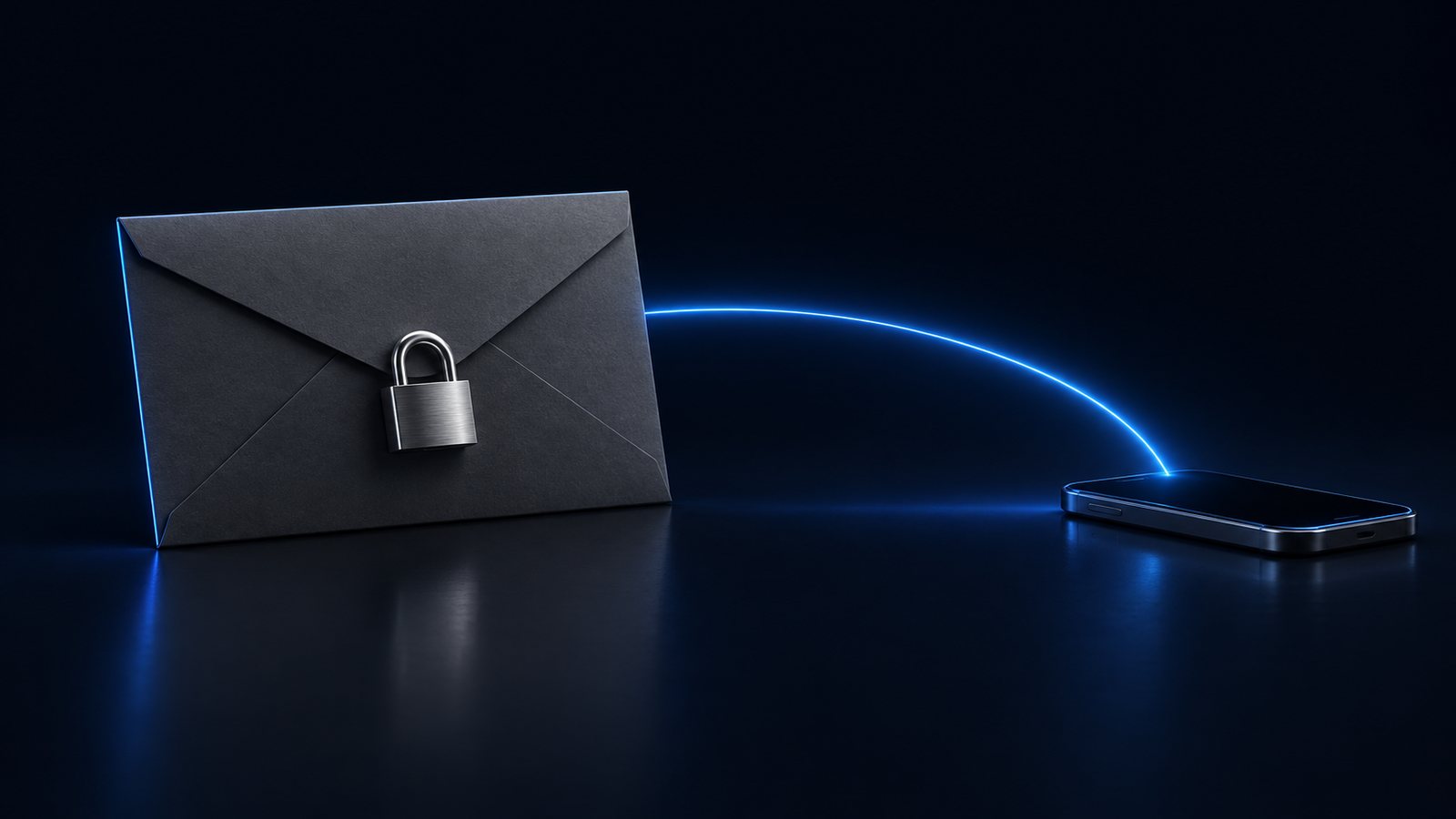
QEmail sends protected messages and attachments through ordinary email. The recipient opens a link in any browser, proves who they are, and reads and replies there.
01Try it
Send a protected message, then open it as the recipient.
You play both people. The encryption is the real thing, running in your browser, and nothing you type leaves this page.
02How it works
Four steps, and the recipient does the last two in a browser.
Write and protect
The sender writes a message and adds attachments. QEmail encrypts both before they leave the sender’s browser.
Send a link
The recipient gets an ordinary email that contains a secure link, not the message itself.
Verify
The recipient opens the link and confirms their email address with a one-time code. The sender can also require a passcode.
Read and reply
The message opens in the browser. The recipient reads it there and can reply from the same page.
03Senders and recipients
Fits the email people already use.
For recipients
- Nothing to install: no app and no plug-in
- The secure link opens in any browser
- Email address confirmed with a one-time code
- Optional passcode, when the sender sets one
- Read and reply in the same browser page
For senders
- A web app for writing and sending protected messages, with nothing to install
- A browser extension for Gmail, Outlook, Yahoo and other webmail
- An Outlook add-in that a Microsoft 365 administrator can deploy centrally
- Send from your default mail app, or copy the link and send it your own way
- Revoke access to a message after it has been sent
04Protection
Encrypted with QCy, and checked before it is opened.
QEmail is the Qwyit protocol applied to a problem every organization has: sending something sensitive to a person outside it.
Availability. QEmail is new. Try the demo on this page, then contact Qwyit to discuss a pilot for your organization. AES-256-GCM is available for organizations whose policies call for a NIST-approved cipher.
05Use it for real
Ready to send one to a real person?
The demo keeps everything on this page. The hosted QEmail sends real email: you sign in with your own address, write a message, and send the secure link from the mail program you already use.
Ask for a pilot
We will set up QEmail for your organization and walk your team through sending, verifying, reading and revoking.
QEmail is running on this site
Sign in with your email address and a one-time code. There is no account to create and no password.
- Send to any email address
- Add attachments and an optional passcode
- See when it was opened, and revoke it at any time
Put QEmail in front of your team.
Tell us who you need to reach outside your organization, and we will show you QEmail doing it.